

Shift review and force close
Review cashier shift details, inspect cash movement, and force close old shifts when needed.
Checkout & close a cashier shift
Watch on YouTube1. Review Shift Logs and Status
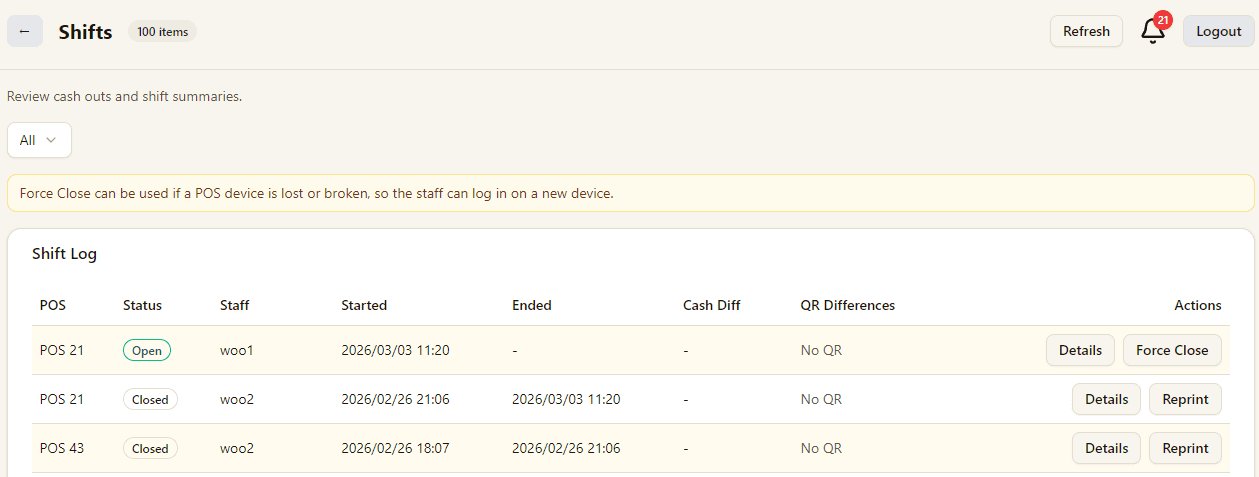
Use the shifts page to review POS sessions by status, staff, start and end time, cash difference, and QR differences.
If a device is lost or broken, use Force Close so staff can log in on a new device.
2. Confirm Force Close Carefully
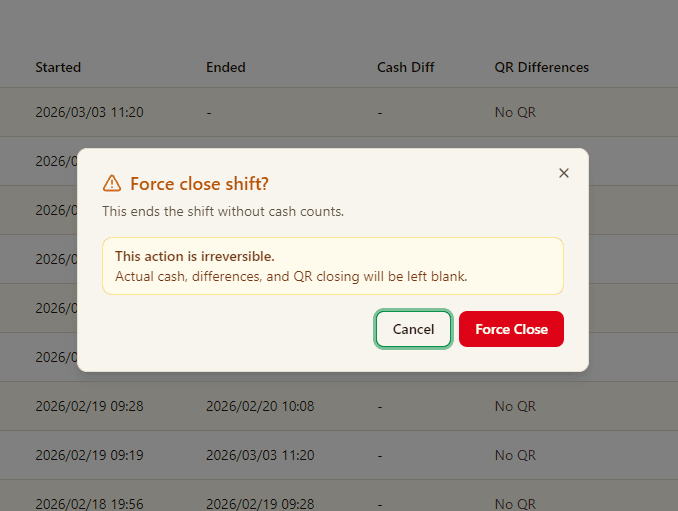
Force Close ends the shift immediately without cash counting.
This action cannot be undone, and actual cash, differences, and QR closing values may stay blank.